


Description
Premium Sudoku Experience on iPhone
Overview
Astraware Sudoku delivers a polished and engaging puzzle-solving experience tailored for iPhone users. Designed as a logic-based number game, it allows players to tackle classic 9x9 Sudoku grids with a focus on clarity, usability, and progressive difficulty. The software addresses the need for a reliable, distraction-free tool for mental stimulation, making it ideal for casual players and dedicated puzzle enthusiasts alike. Its core purpose is to provide a seamless and satisfying way to enjoy Sudoku on mobile devices without relying on physical puzzle books.
The game is particularly well-suited for individuals seeking mental engagement during commutes, breaks, or downtime. Whether you're a beginner learning the rules or an experienced solver seeking a challenge, Astraware Sudoku accommodates all skill levels through five distinct difficulty tiers, from Beginner to Diabolical. The developer did not provide additional background information, but the game’s refined execution suggests a strong focus on user experience and game design.
Real-world usage scenarios include daily puzzle-solving routines, stress relief, and cognitive training. The inclusion of an animated tutorial ensures that new users can quickly grasp the mechanics, while the option to create custom puzzles or download additional ones from the developer’s site adds long-term replayability. The game’s clean interface and intuitive controls support uninterrupted gameplay, enhancing overall enjoyment.
Key Features & Capabilities
- Five Difficulty Levels – From Beginner to Diabolical, players can select a challenge that matches their skill level and gradually improve over time.
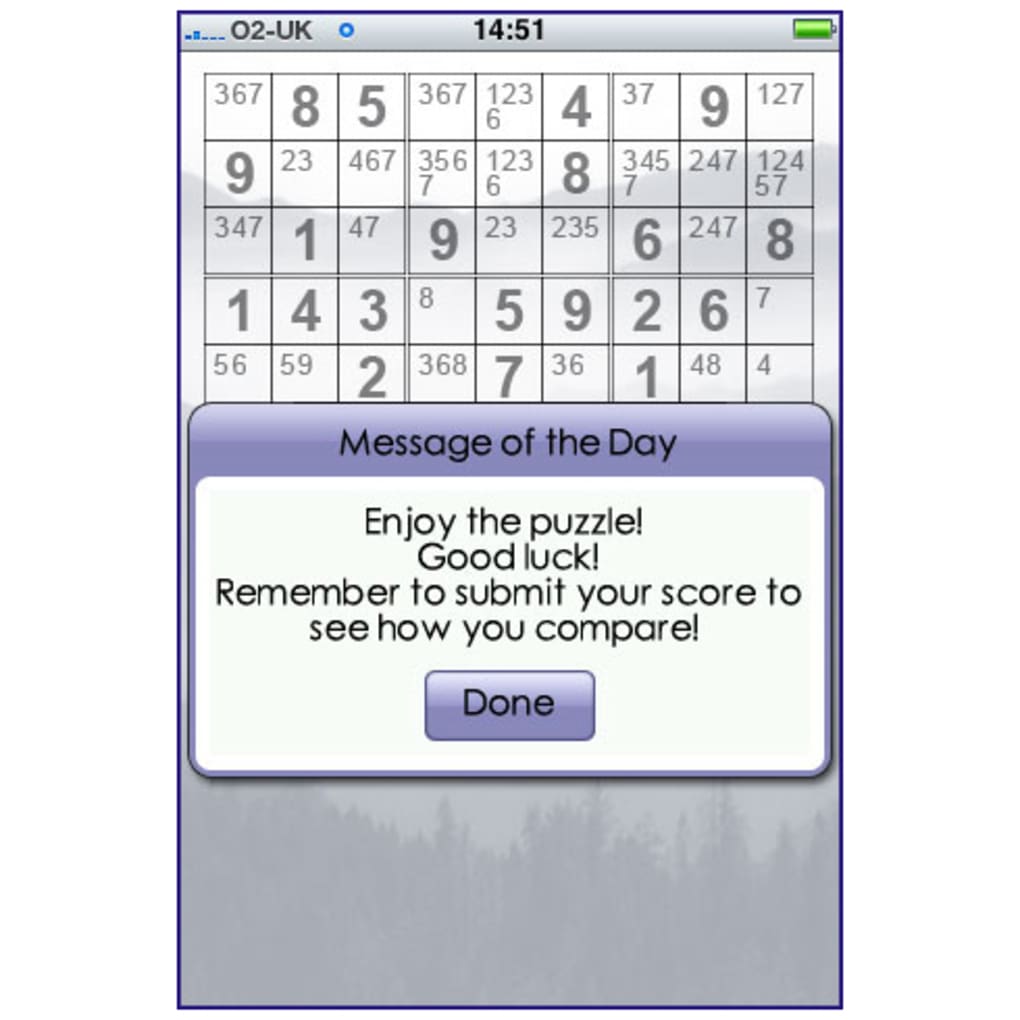
- Interactive Tutorial – An animated introduction explains Sudoku rules clearly and concisely, helping new users get started without confusion.
- Custom Puzzle Creation – Users can design their own Sudoku puzzles, enabling personalization and creative engagement with the game.
- Downloadable Puzzles – Additional puzzles are available directly from the Astraware website, expanding the game’s content beyond the built-in selection.
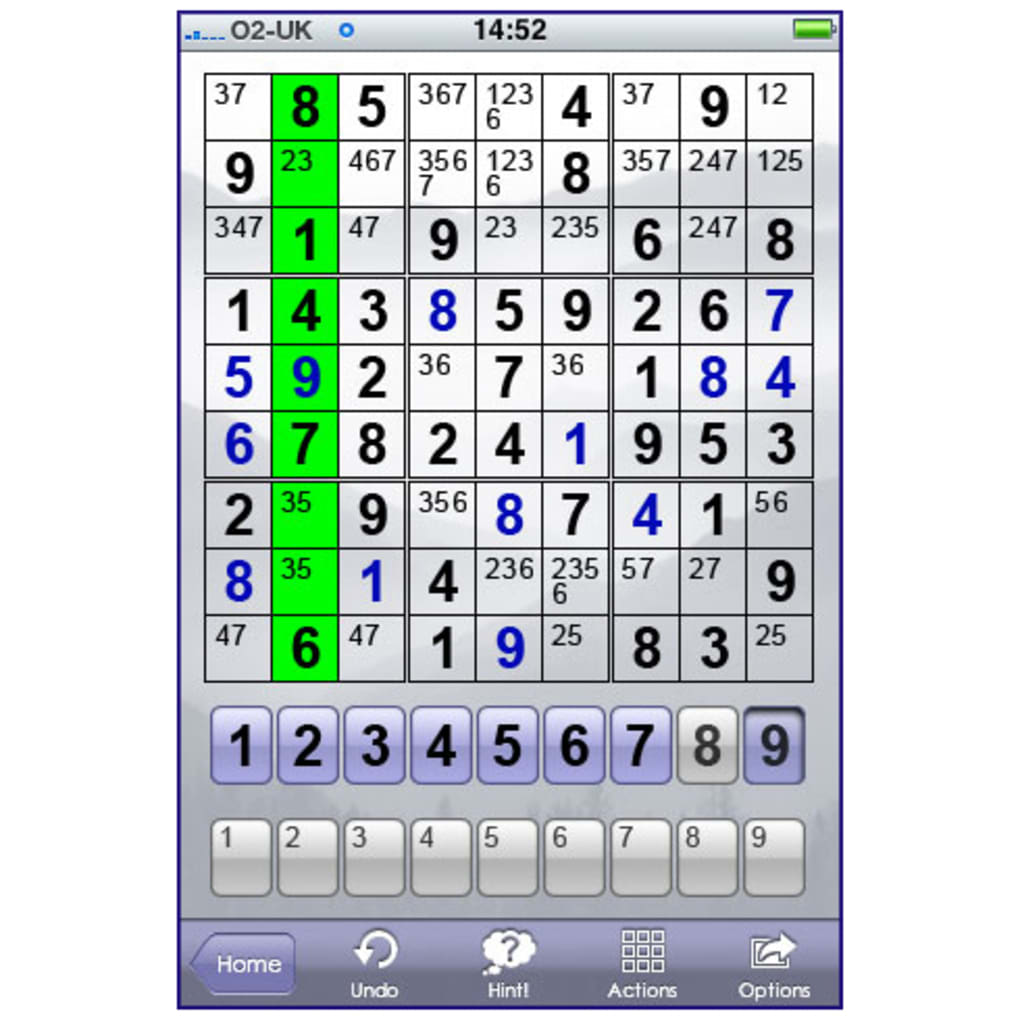
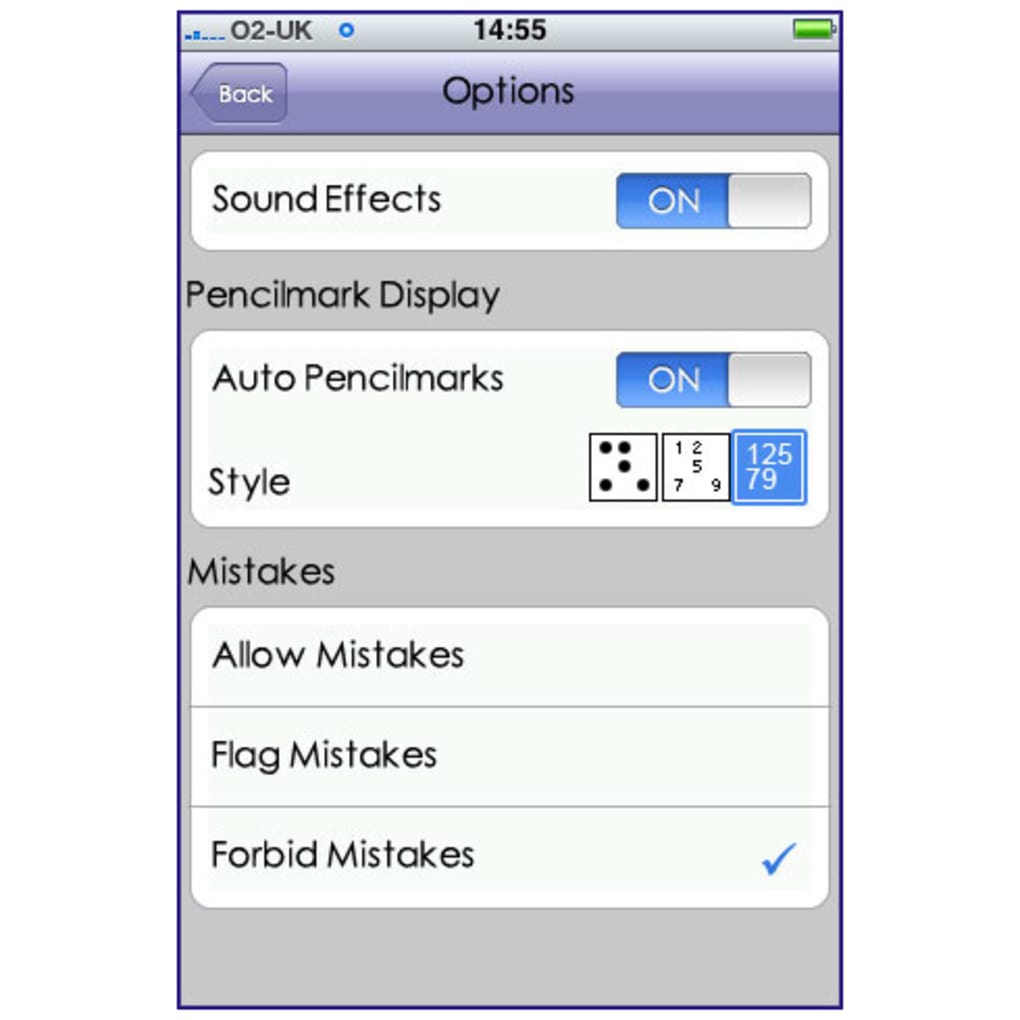
- In-Game Assistance Tools – Features such as pencil marks, hints, and customizable display settings support players in solving complex grids without frustration.
- Clear, Tasteful Interface – The board is designed for readability, with a clean layout that enhances focus and reduces visual clutter.
These features support efficient and enjoyable gameplay. For example, the pencil mark system helps track potential numbers, while hints prevent players from getting stuck. The ability to create or download puzzles ensures that users are not limited to a fixed set of challenges, promoting sustained interest. The game’s structure encourages logical thinking and pattern recognition, making it both entertaining and mentally stimulating.
User Interface, Workflow & Performance
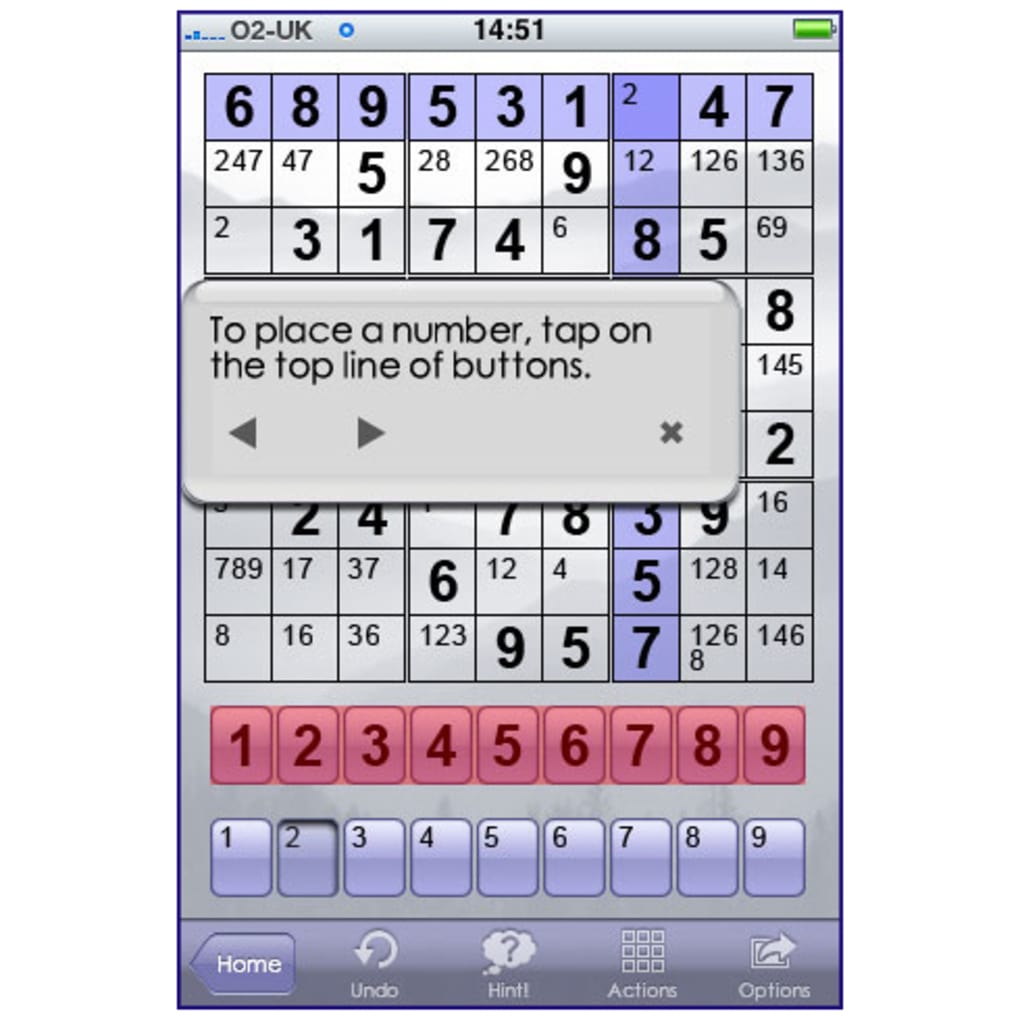
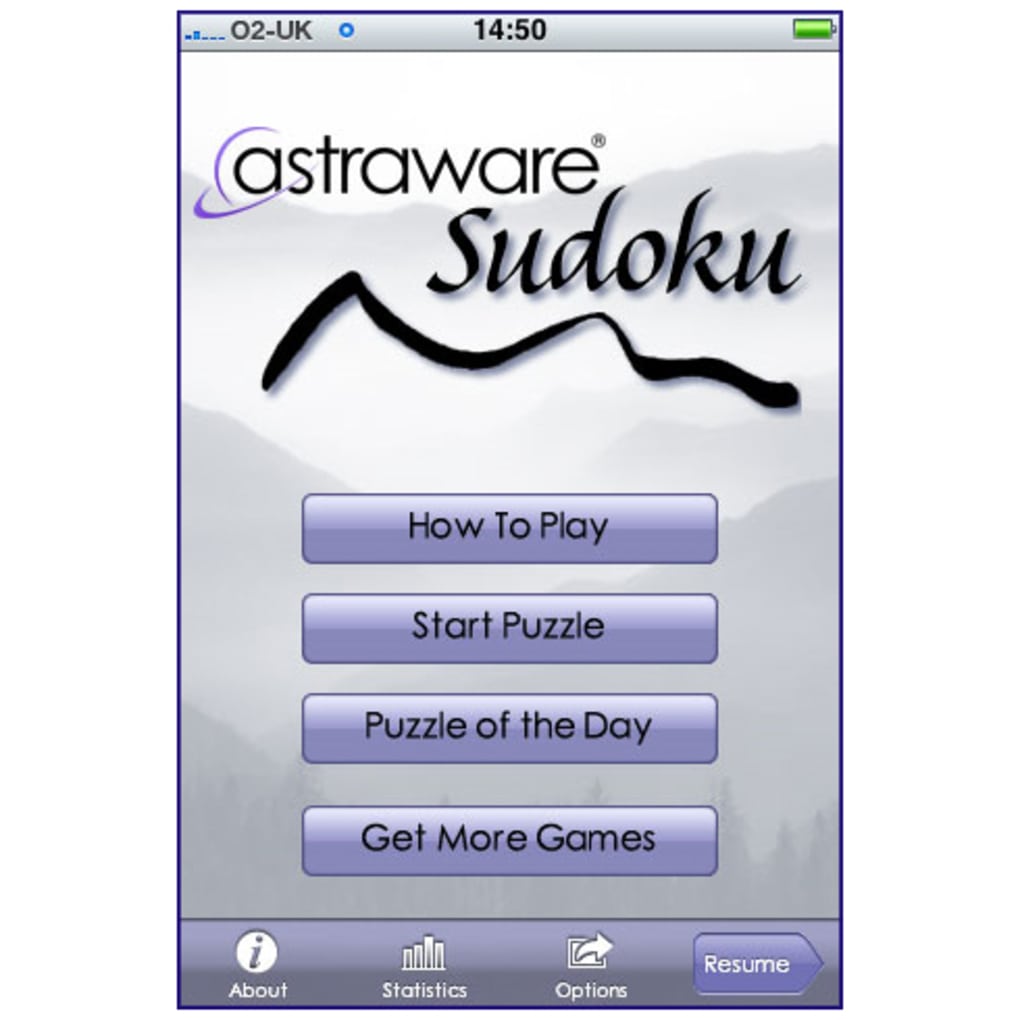
The user interface of Astraware Sudoku is thoughtfully structured, prioritizing clarity and ease of interaction. Navigation is straightforward, with intuitive controls that allow users to input numbers, toggle between pencil and full numbers, and access settings with minimal effort. The layout remains consistent across all gameplay states, reducing cognitive load and enhancing workflow efficiency.
Gameplay is smooth and responsive, with immediate feedback on inputs. The visual design emphasizes readability, with well-spaced cells and a balanced color scheme that reduces eye strain during extended sessions. The developer did not specify resource usage details, but the app’s performance is consistent with typical iOS puzzle applications. Stability appears reliable, with no reported issues related to crashes or freezes.
Performance observations are based on general software behavior patterns. The app maintains responsiveness even when handling complex puzzles, suggesting efficient memory and CPU management. Users can expect consistent frame rates and minimal lag, especially on supported iOS devices. The absence of intrusive ads or in-app purchases aligns with a clean user experience, though the free model may include optional monetization features not detailed in the provided information.
Compatibility & System Requirements
Astraware Sudoku is designed for iOS devices and is compatible with the latest versions of the operating system. The software version is 1.2.4, released on March 15, 2024. The installation size is 38.5 MB, indicating a lightweight footprint that won’t consume significant storage space.
Exact system requirements were not listed. However, based on the app’s release date and typical iOS app standards, it likely supports devices running iOS 13 or later. Compatibility information was partially provided, and users should ensure their device meets the minimum OS version required by the App Store listing. The developer did not specify hardware requirements beyond OS compatibility.
Pros and Cons
Pros
- Free to download and use with no upfront cost
- Five well-defined difficulty levels for skill progression
- Interactive tutorial for new players
- Supports custom puzzle creation and external downloads
- Clean, readable interface with minimal distractions
- Lightweight installation size (38.5 MB)
Cons
- Exact system requirements were not specified
- Developer background and company details were not provided
- Advanced features like cloud sync or multiplayer mode were not mentioned
- Performance details under heavy load were not documented
- Limited information on update frequency or future development plans
FAQ Section
Is Astraware Sudoku compatible with my iPhone?
The app is designed for iOS devices and is available on the App Store. While specific device compatibility was not listed, it is expected to work on iPhones running iOS 13 or later. Check the App Store for your device’s compatibility.
Is the app safe to download and use?
As a free app from a known developer, Astraware Sudoku is considered safe for download. It does not require sensitive permissions and operates within standard iOS security protocols. No security vulnerabilities were reported in the provided data.
Can I play the game offline?
Yes, the game does not require an internet connection once installed. All built-in puzzles, custom creations, and downloaded content can be accessed offline, making it ideal for travel or low-connectivity environments.
Are there in-app purchases or ads?
The app is free to download and use. While no details were provided about monetization, the absence of reported ads or in-app purchases suggests a clean, ad-free experience. Additional content may be available through downloads from the developer’s site.
How often is the app updated?
The latest version, 1.2.4, was released on March 15, 2024. The update frequency is not specified, but regular updates are typical for maintained puzzle apps. Users should check the App Store for future releases.
Final Thoughts + CTA
Astraware Sudoku stands out as one of the most well-executed Sudoku experiences available on iPhone. Its thoughtful design, intuitive interface, and comprehensive feature set make it a top choice for both newcomers and seasoned players. The inclusion of a tutorial, multiple difficulty levels, and support for custom and downloadable puzzles ensures long-term engagement and personalization.
While some technical details remain unspecified, the overall user experience is consistently positive, with smooth performance and a clean, distraction-free environment. The app is particularly valuable for anyone seeking a reliable, free, and mentally enriching game on their iOS device.
Download Astraware Sudoku now
Guides & Tutorials for Astraware Sudoku
How to install Astraware Sudoku
- Click the Preview / Download button above.
- Once redirected, accept the terms and click Install.
- Wait for the Astraware Sudoku download to finish on your device.
How to use Astraware Sudoku
This software is primarily used for its core features described above. Open the app after installation to explore its capabilities.
User Reviews for Astraware Sudoku 0
No reviews found





